Return Home Browse Devices

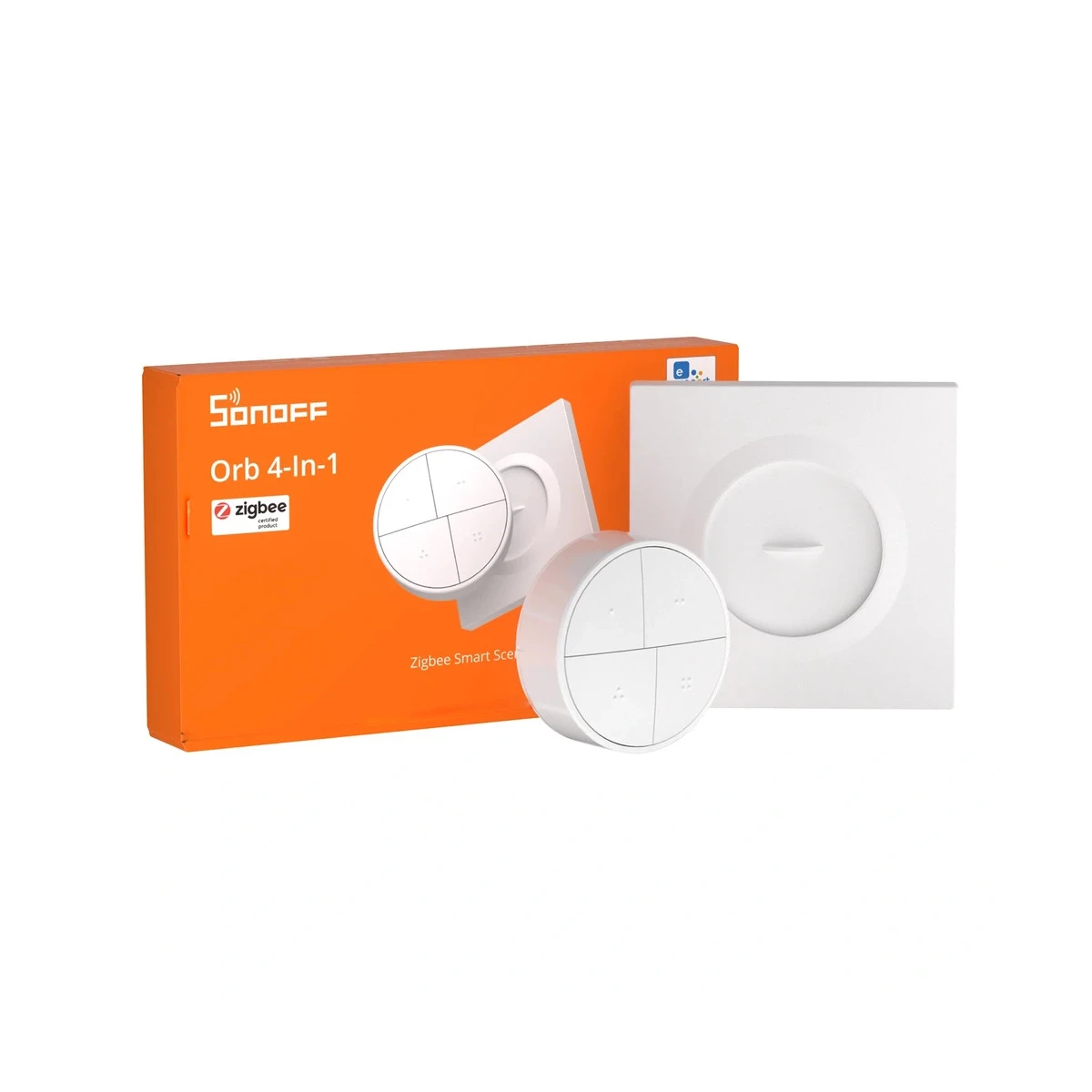
Sonoff Orb 4-In-1 (SNZB-01M) – Zigbee Smart Scene Button

22,40 

  • 4 buttons × 4 actions — up to 16 scenes configurable in the eWeLink app
  • Zigbee + eWeLink-Remote dual mode — switchable via physical slide switch
  • TouchLink & Zigbee Bindings — direct local control of smart bulbs, no gateway needed
  • No wiring required — VHB adhesive mount or screw-fixed to wall box
  • Works with Home Assistant via Zigbee2MQTT and ZHA
  • Single CR2477 battery (included) — compact ⌀50×22.5mm round design

Availability: In stock

Documentation
DoC (EN)|Manual (EN)
Free delivery to parcel lockers!

Overview

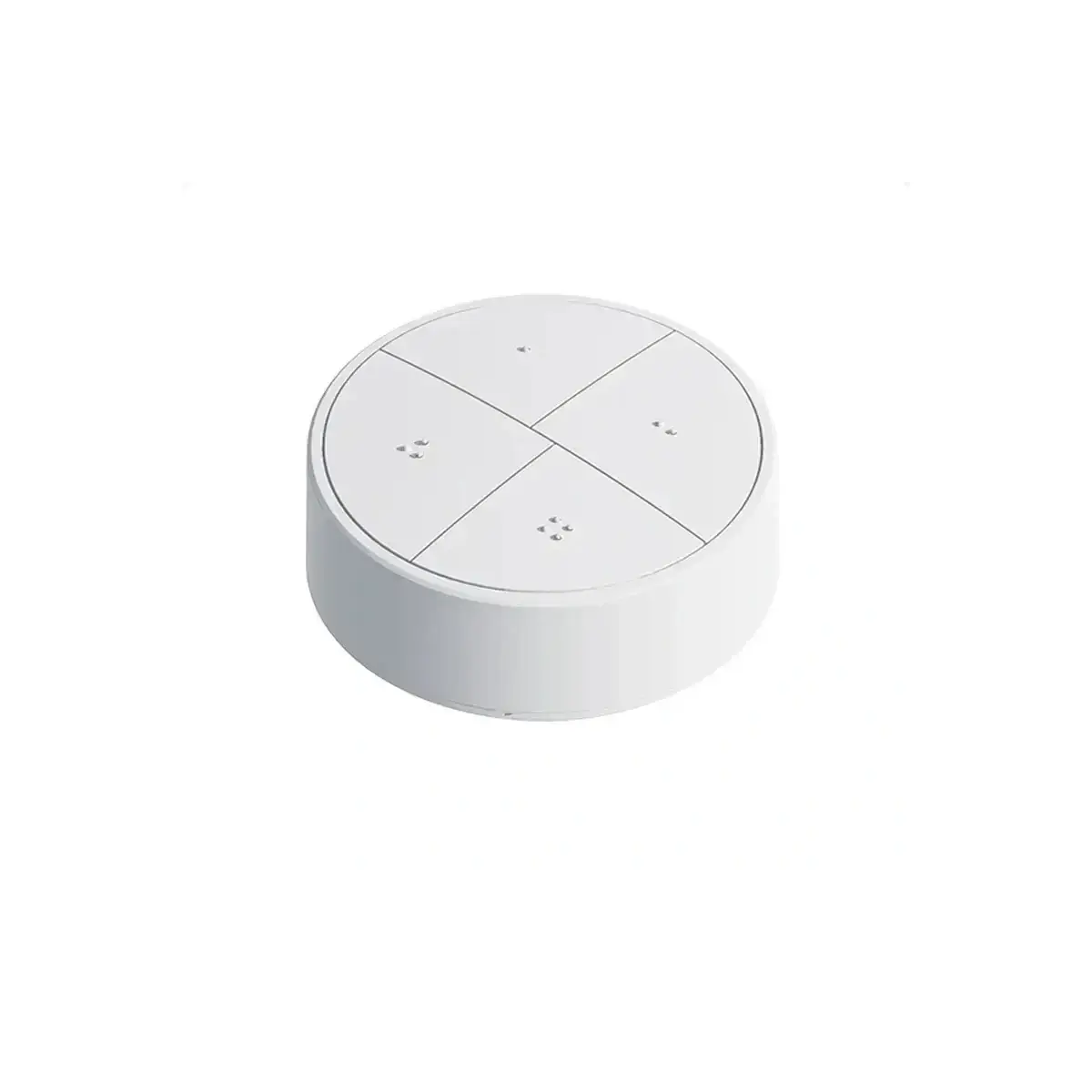
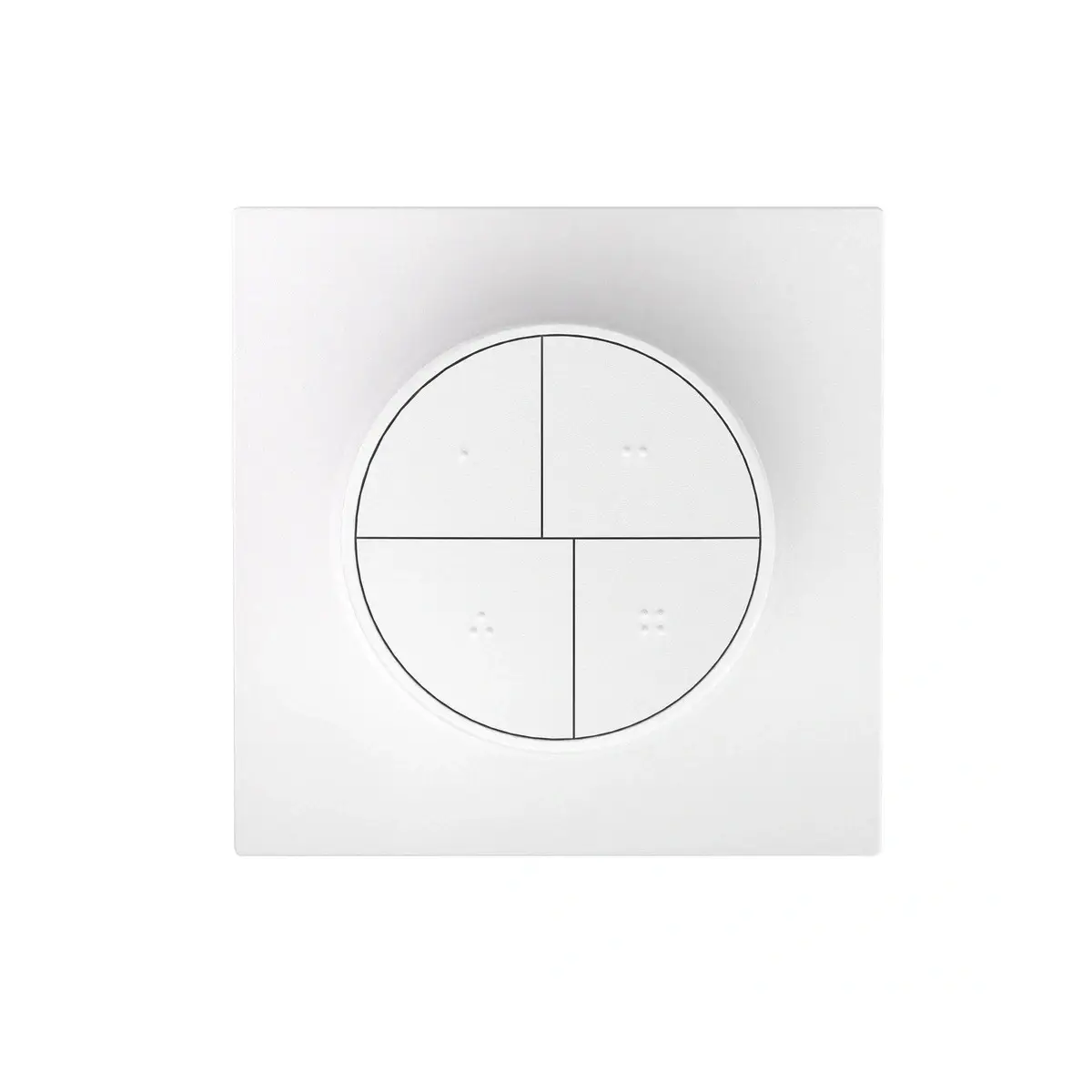
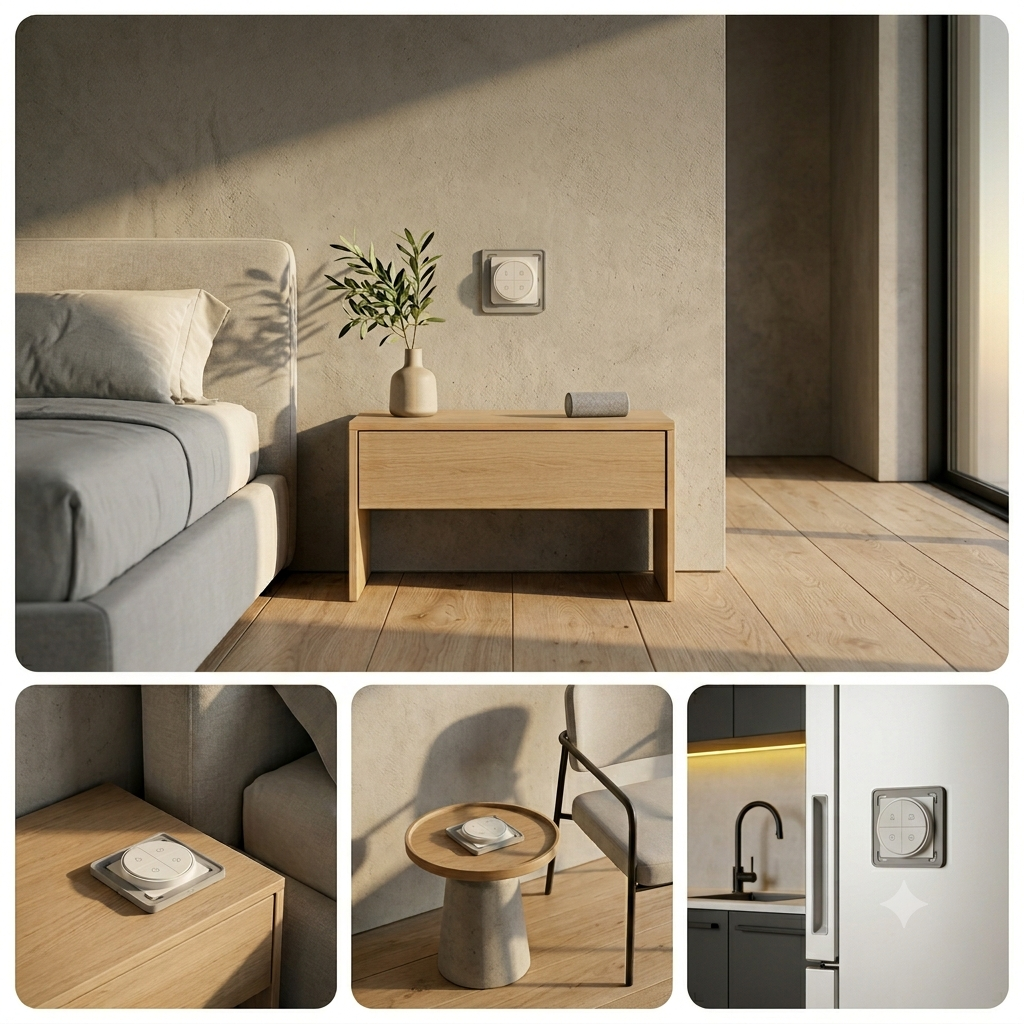
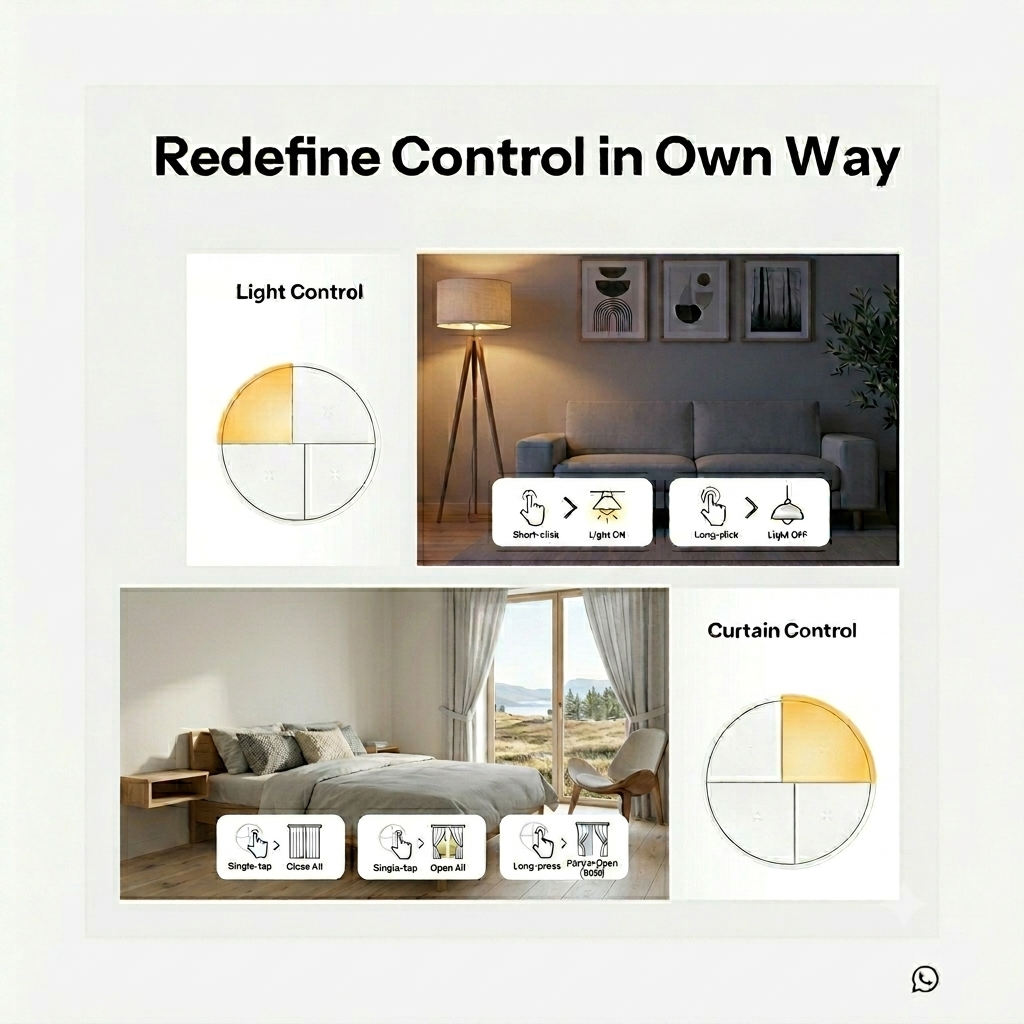
The SONOFF Orb 4-In-1 is a compact, battery-powered wireless scene controller with four physical buttons that lets you trigger smart home automations instantly with a single press — no wiring, no wall box, no electrician required. Its round orbital design fits equally well stuck to a wall, placed on a table, or mounted in a standard wall box. With up to 16 configurable scenes across four buttons (single, double, triple, and long press actions per button), every room in your home can have a dedicated control panel for lighting scenes, climate presets, security routines, and more.

The Orb 4-In-1 operates in two selectable modes via a physical slide switch. In Zigbee Mode it connects to a SONOFF Zigbee gateway and integrates fully with the eWeLink app for scene creation, remote management, and automation linking. In eWeLink-Remote Mode it connects directly to a compatible eWeLink-Remote gateway device, enabling local control that works instantly even without cloud connectivity. The default mode is Zigbee, which also supports Home Assistant via Zigbee2MQTT or ZHA.

Beyond app-based scenes, the Orb 4-In-1 supports two additional direct control methods. TouchLink allows it to pair directly with compatible Zigbee smart bulbs without any gateway, enabling instant local on/off and scene control with no internet dependency. Zigbee Bindings allow it to control smart lights directly at the Zigbee protocol level, providing the fastest possible response times — particularly valuable in high-stability environments like rental properties, shared spaces, or accessibility setups where reliable local control matters most.

Powered by a single CR2477 coin cell battery (included), the Orb 4-In-1 is installed without any tools using the included VHB adhesive pad — simply peel and stick anywhere within Zigbee range. A screw-mount option is also available for permanent installation. The device is suitable for installation at heights up to 2 metres.
Compatibility

  • eWeLink app (iOS and Android) — scene creation and management in Zigbee mode
  • SONOFF Zigbee gateways (recommended): ZBBridge-P, ZBBridge-U, NSPanel Pro, iHost
  • SONOFF Zigbee dongles (compatible): ZBDongle-P, ZBDongle-E, Dongle-M, Dongle-PMG24, Dongle-LMG21
  • Home Assistant — via Zigbee Home Automation (ZHA) or Zigbee2MQTT with compatible Zigbee coordinator
  • eWeLink-Remote compatible gateways — for eWeLink-Remote mode (local control without cloud)
  • Zigbee TouchLink devices — direct pairing with compatible Zigbee smart bulbs (no gateway needed)
  • Zigbee Binding — direct local control of Zigbee smart lights with fastest possible response

Installation

Installation is completely tool-free and takes under 2 minutes. No wiring or electrical work is required — the device is fully battery-powered.

  1. Use a coin to unscrew the battery cover on the back of the device. Remove the battery insulation sheet to power on. Toggle the slide switch to select your preferred mode: Zigbee Mode (default, left position) or eWeLink-Remote Mode (right position). Replace the battery cover.
  2. On first power-on in Zigbee mode, the device automatically enters pairing mode — the LED indicator flashes slowly. If it has exited pairing mode, press and hold the reset button for 5 seconds until the LED flashes slowly again.
  3. For Zigbee Mode: download the eWeLink app, ensure a compatible SONOFF Zigbee gateway is already added, then tap + → Scan and scan the QR code on the device. Select your Zigbee gateway and wait for pairing to complete.
  4. For eWeLink-Remote Mode: open the eWeLink app, navigate to a compatible gateway's homepage, tap "..." → eWeLink-Remote devices → Add, then press any button on the Orb 4-In-1 within 10 seconds to register it.
  5. Choose a mounting method: peel the VHB adhesive backing and press firmly against a clean, flat surface (wall, furniture, or appliance) for at least 30 seconds. Alternatively, fix the base to a mounting box using the provided screws, then snap the device onto the base.
  6. In the eWeLink app, create scenes using the Orb 4-In-1 as a trigger. Assign single-press, double-press, triple-press (Zigbee mode only), and long-press actions to each of the four buttons — up to 16 scenes total.

Technical Specifications

Dimensions 5 × 2,25 cm
Brand

Protocol

Bluetooth, Zigbee

Compatibility

eWeLink, Home Assistant, TouchLink

Installation Type

Surface mounted

Device Type

Power supply

Battery

Hub Required

Optional

Battery Type

CR2477

Battery Life

Button Actions

4 (single / double / triple / long press)

Reviews (0)

Reviews

There are no reviews yet.

Be the first to review “Sonoff Orb 4-In-1 (SNZB-01M) – Zigbee Smart Scene Button”

Your email address will not be published. Required fields are marked *

Shopping Cart
SONOFF Orb 4-In-1 SNZB-01M bijela okrugla Zigbee pametna scenografska tipka s 4 tipke, pogled sprijedaSonoff Orb 4-In-1 (SNZB-01M) – Zigbee Smart Scene Button
22,40 

Availability: In stock

Scroll to Top