ECOSYSTEM INTEGRATION
Smart Automation Solutions
Automate lighting, heating, security and energy savings
with reliable smart-home devices and ecosystems.


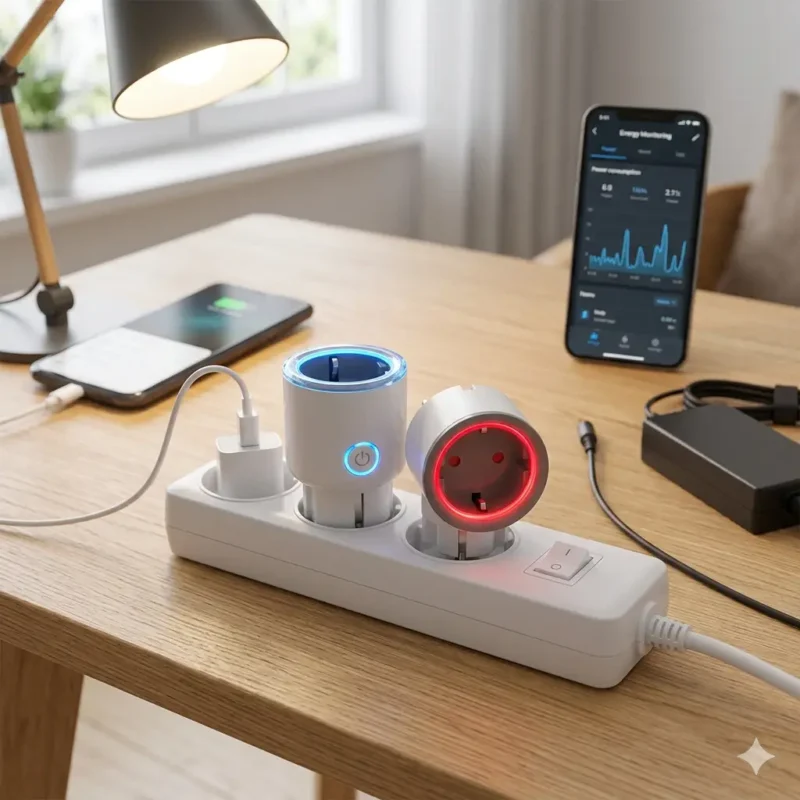


Why Smart Home Automation?

Comfort
Automate everyday routines and save time.

Energy Efficiency
Reduce unnecessary power consumption.

Security
Monitor your home from anywhere.

Remote Access
Control devices using your smartphone.
Popular Automations

Turn heating on before you arrive home.

Automatically switch lights off at night

Receive alerts when doors open

Turn devices off when nobody is home
Compatible Ecosystems
Build your smart home using the ecosystem that fits your setup.
- Home Assistant
- Apple HomeKit
- Google Home
- Amazon Alexa
- Matter
- Zigbee
New to Smart Home?
Start with smart plugs, sensors and simple automations.
Most solutions can be installed in minutes.
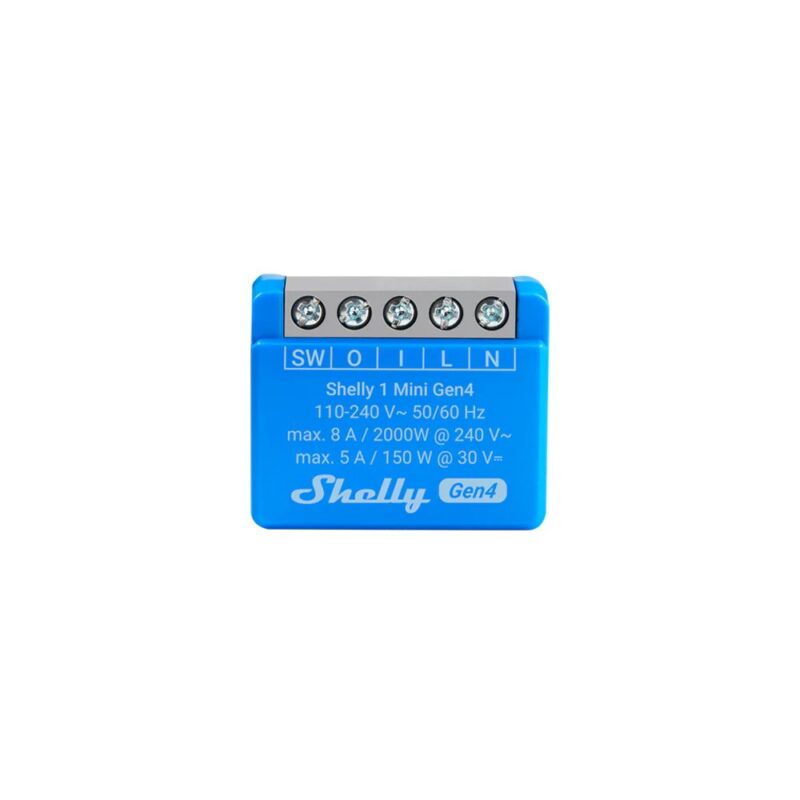
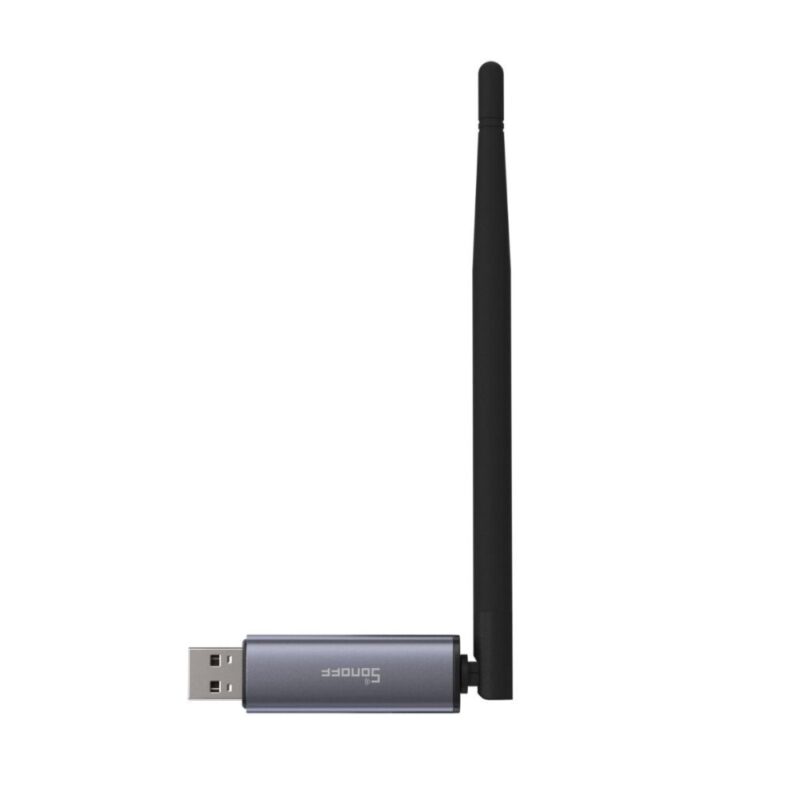
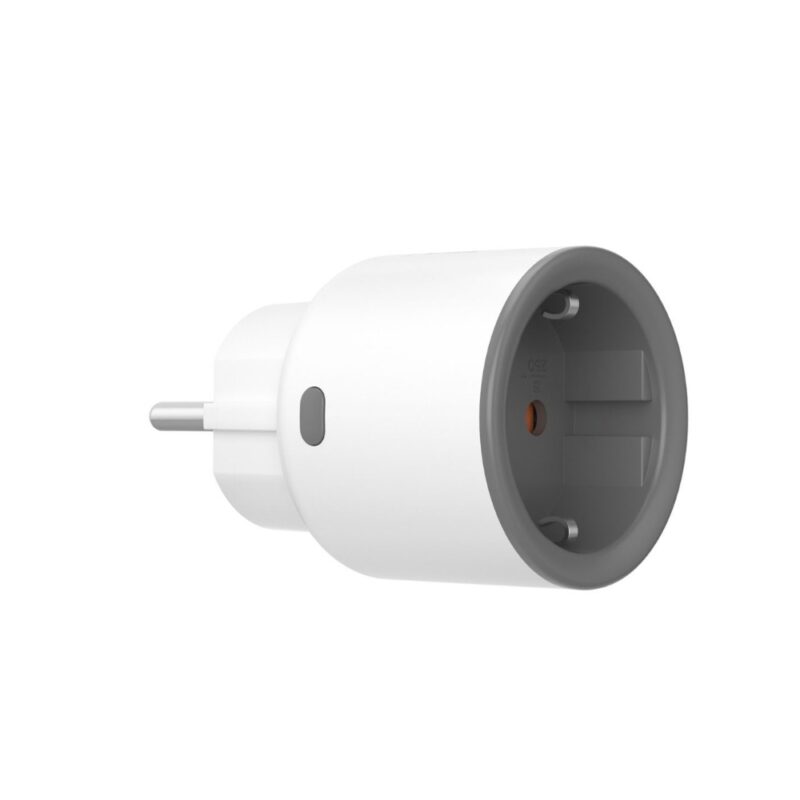
Featured Products
Smart Automation Solutions F.A.Q.
Yes, you can absolutely mix different brands, provided they are compatible with the same central ecosystem. When buying smart home devices, look for those that support major platforms like Apple Home, Google Home, Amazon Alexa, or the universal Matter standard.
Using a unified ecosystem allows you to control your Smart Lighting from one brand and your Smart Security from another within a single app.
Pro Tip: If you want to automate your home seamlessly, choosing devices that support the Matter standard ensures the easiest installation and future-proof compatibility.
It depends on the technology, but yes, many smart home features can work locally without an active internet connection.
- Wi-Fi Devices: These usually require an internet connection to communicate with your smartphone app, especially for remote control smart solutions when you are away from home.
- Zigbee & Z-Wave Devices: These connect to a local hub (like a smart gateway). They will continue to run your automated schedules and local switches even if your internet goes completely down.
However, you will temporarily lose the ability to control devices remotely or receive real-time mobile alerts until your connection is restored
The main difference lies in how they transmit data and how much energy they consume.
Choosing Zigbee-based devices is often the best strategy for maximizing energy savings and ensuring a reliable, uncluttered home network.
| Feature | Wi-Fi | Zigbee |
| Connection Type | Connects directly to your internet router. | Connects to a central hub, creating a “mesh network” where devices pass signals to each other. |
| Power Consumption | High. Devices usually need to be plugged into a wall. | Ultra-low. Batteries in sensors can last for years. |
| Network Load | Too many devices can slow down your home internet. | Keeps your router free, supporting dozens of devices smoothly. |
| Best For | Smart Cameras, Video Doorbells. | Smart Plugs, Motion Sensors, Smart Lighting. |
