Return Home Browse Devices

Sonoff Temperature and Humidity Sensor

19,90 

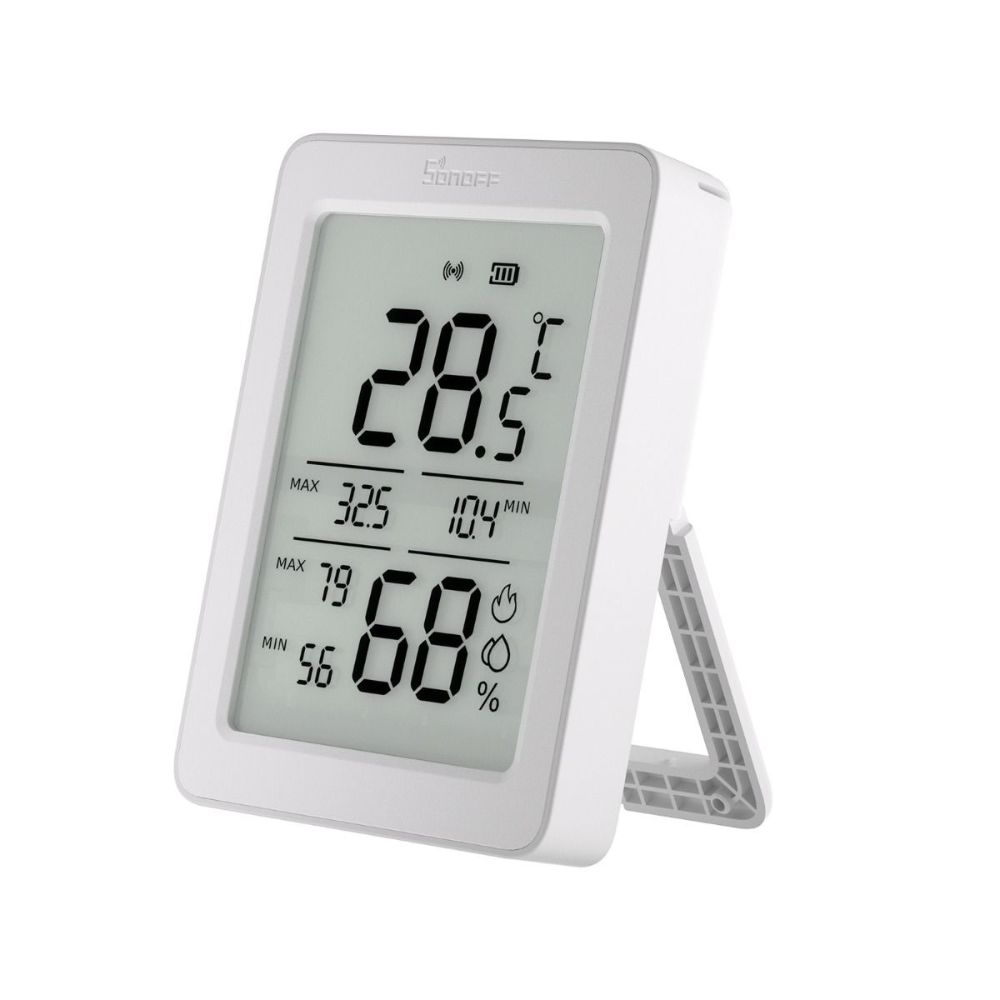
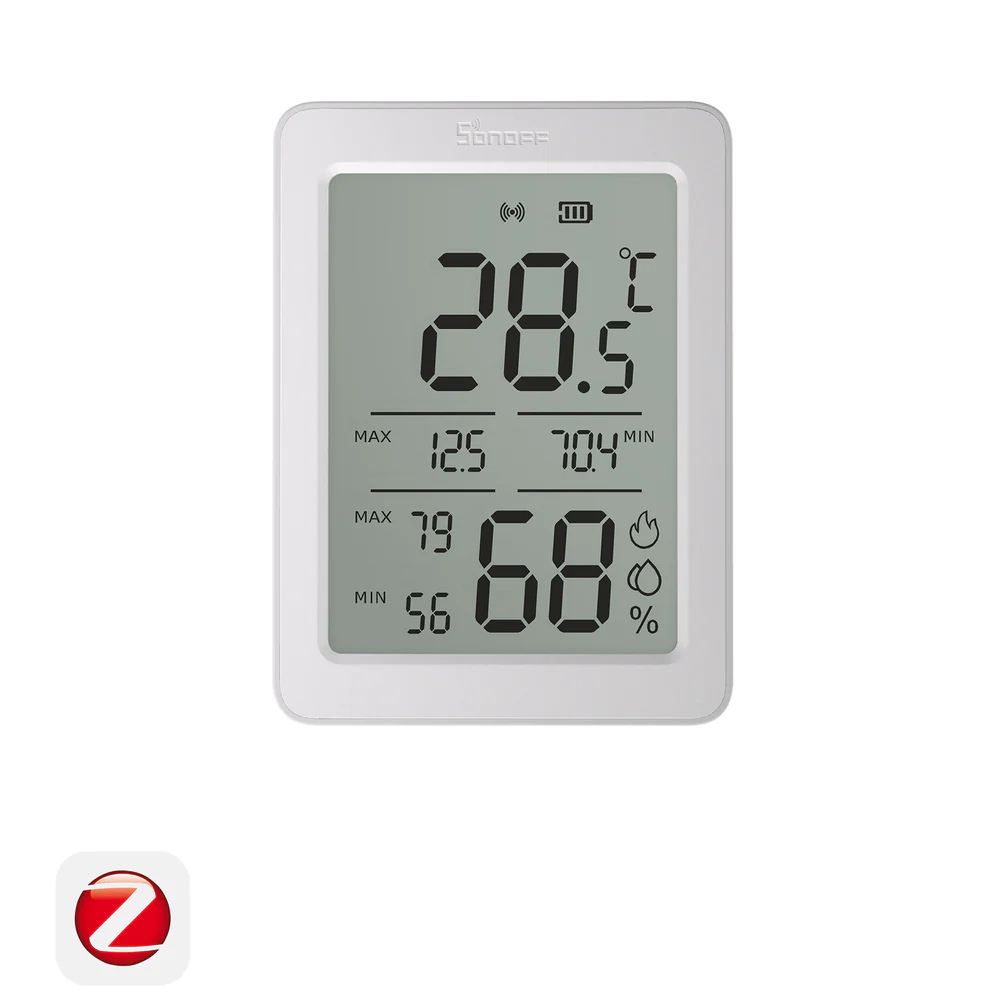
  • 3.6″ HD LCD display — current temp & humidity, daily highs/lows, all at a glance
  • Zigbee + Bluetooth dual-mode — remote access via gateway or local direct Bluetooth monitoring
  • Remote sensor display — shows live data from a second room sensor on the same screen
  • Dew point measurement — condensation risk monitoring for bedrooms and rental properties
  • Tabletop stand + wall mount — flexible placement, no tools needed
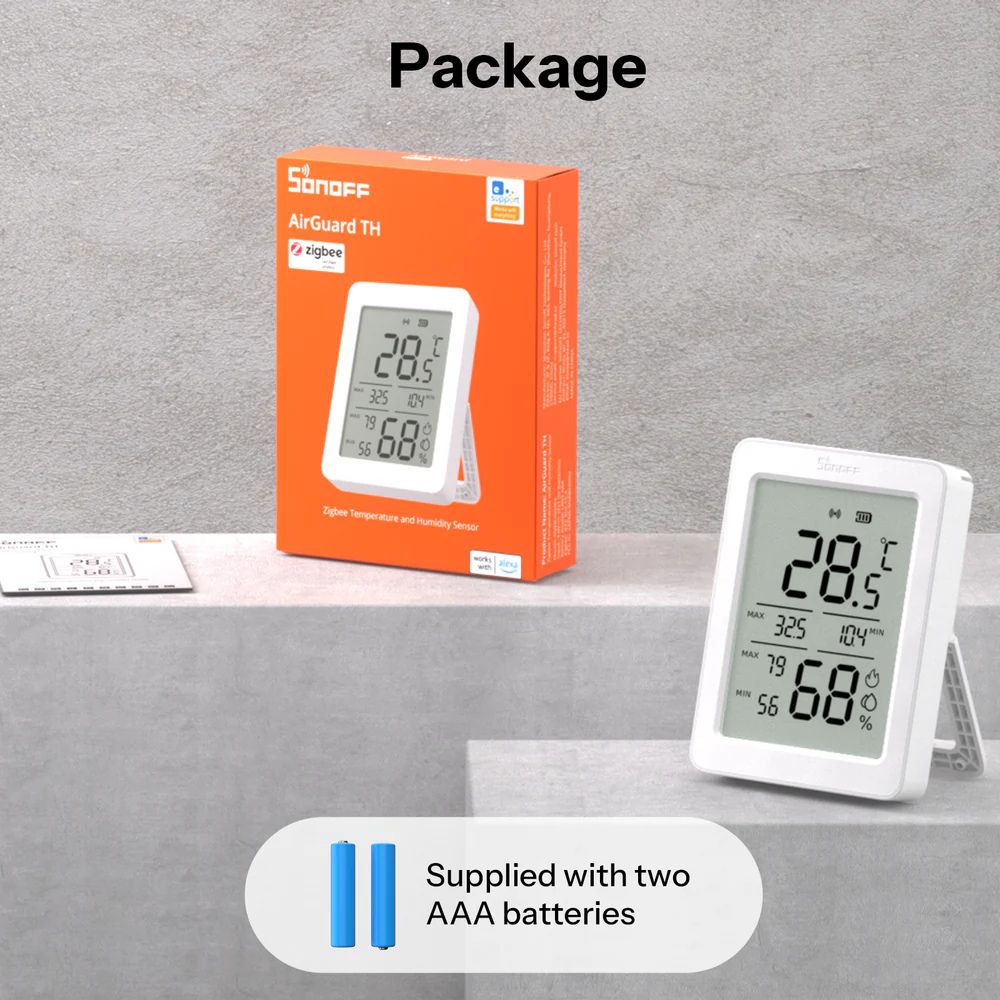
  • Powered by 2 × AAA 1.5V batteries (included)

Availability: In stock

Documentation
DoC (EN)|Manual (EN)
Free delivery to parcel lockers!

Overview

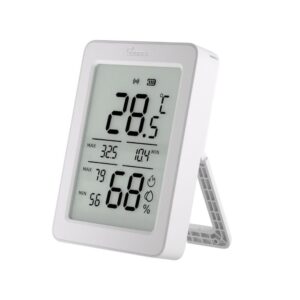
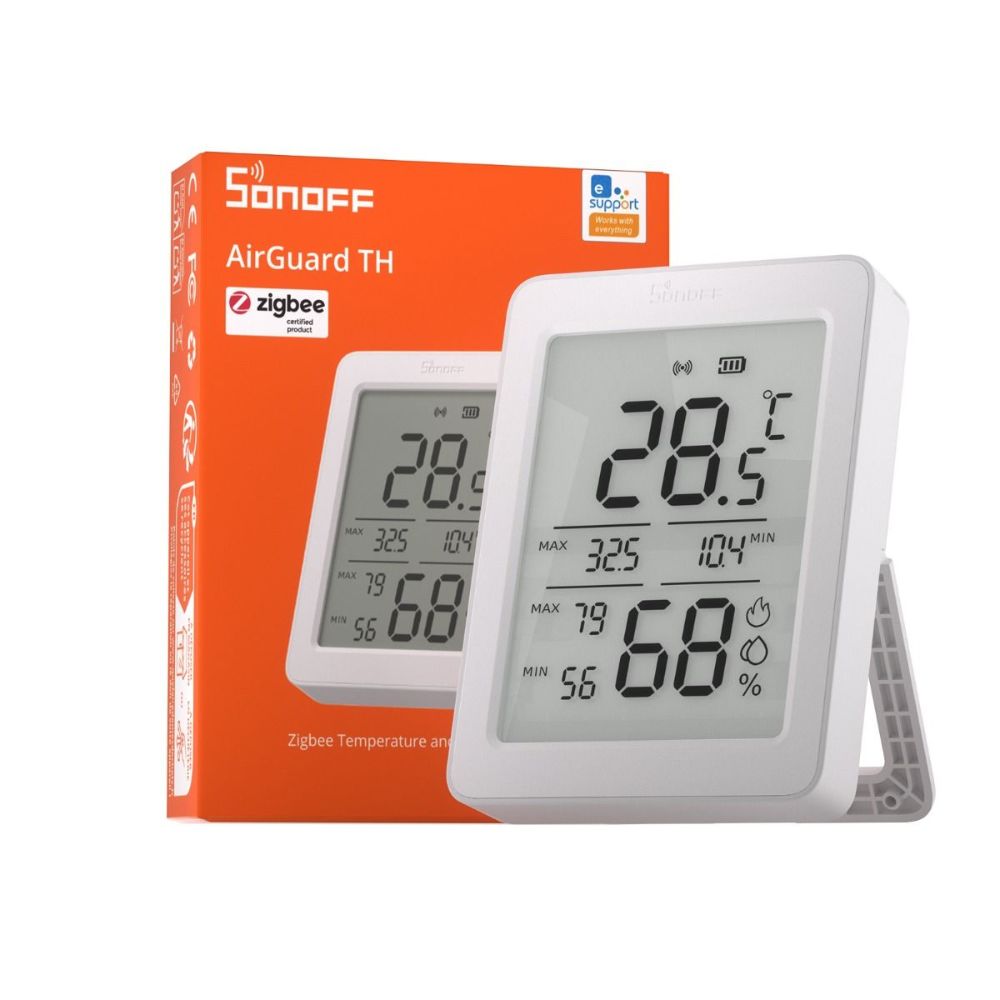
The SONOFF AirGuard TH is a smart temperature and humidity sensor with a large 3.6″ high-definition LCD screen that makes environmental data immediately readable from across the room. At a glance, the display shows the current temperature and humidity, the daily high and low for both readings, and optionally the live data from a second remote sensor located elsewhere in your home — all on one screen without needing to open an app.

The AirGuard TH connects in two ways depending on your setup. Via Zigbee, it pairs with a compatible gateway to enable full remote access, historical data, smart home automations, and notifications from anywhere. Via Bluetooth, it connects directly to your phone for local real-time monitoring, historical statistics, and dew point data — no gateway required for basic use. Dew point data is particularly useful for identifying condensation risk in bedrooms, bathrooms, and rental properties where mould prevention is a priority.

A standout feature is Remote Temp. & Humi. Display: pair the AirGuard TH with a second SONOFF Zigbee sensor placed in a different room (such as a child’s bedroom or a basement), and both readings appear simultaneously on the AirGuard TH’s screen. This turns the device into a two-zone display station, giving you a complete picture of your home environment without switching between screens or apps.

Powered by two standard AAA batteries included in the box, the AirGuard TH can be placed on any surface using the built-in foldout stand, or hung on the wall with a screw. The device is indoor-rated with a PC+ABS housing and certified CE, FCC, and RoHS.
Compatibility

  • eWeLink app (iOS and Android) — full remote access, automations, and notifications via Zigbee gateway
  • eWeLink app (iOS and Android) — local Bluetooth monitoring without gateway
  • SONOFF Zigbee gateways (recommended): ZBBridge-P, ZBBridge-U, NSPanel Pro, iHost
  • SONOFF Zigbee dongles (compatible): ZBDongle-P, ZBDongle-E, Dongle-M, Dongle-PMG24, Dongle-LMG21
  • Home Assistant — via Zigbee Home Automation (ZHA) or Zigbee2MQTT with compatible Zigbee coordinator
  • Remote Temp. & Humi. Display source sensors: SNZB-02, SNZB-02P, SNZB-02D, SNZB-02WD, SNZB-02LD (requires ZBBridge-P, ZBBridge-U, NSPanel Pro, or iHost)
  • Zigbee 3.0 compatible platforms (IEEE 802.15.4)

Installation

Setup is tool-free and takes under 5 minutes. No wiring is required — the device is fully battery-powered and can be placed anywhere indoors.

  1. Remove the battery insulation sheet from the battery compartment on the back of the device to power it on. On first power-up, the device automatically enters pairing mode and the signal icon flashes slowly.
  2. Download the eWeLink app (iOS or Android) and create or log in to your account.
  3. For Zigbee pairing (recommended): ensure a compatible SONOFF Zigbee gateway is already added in the eWeLink app. In the app, tap the + icon, select Scan, and scan the QR code on the back of the device. Select your Zigbee gateway and wait for pairing to complete.
  4. For Bluetooth pairing (no gateway): in the eWeLink app, tap + → Scan → scan the QR code. Select Bluetooth pairing and follow the on-screen steps to connect directly to the device.
  5. If the device has exited pairing mode (after 3 minutes), long-press the button on the back for 5 seconds until the signal icon flashes slowly again.
  6. Place the device on a table or desk using the built-in foldout stand, or use a screw through the hanging hole on the back to mount it on a wall.
  7. To enable Remote Temp. & Humi. Display: in the eWeLink app, open the device settings, select "Remote Temp. & Humi. Display", choose a second SONOFF sensor as the source, tap Save, and confirm by pressing the device button. Firmware version 1.1.0 or above required.

Technical Specifications

Dimensions 9,5 × 7,0 × 1,82 cm
Protocol

Bluetooth, Zigbee

Compatibility

eWeLink, Home Assistant, SONOFF Zigbee gateways

Installation Type

Portable, Surface placement, Wall-mounted

Device Type

Power supply

Battery

Hub Required

Optional

Battery Type

AAA 1,5V

Temperature Range

-20 °C – +60 °C

Humidity Range

5–95% RH (non-condensing)

Reviews (0)

Reviews

There are no reviews yet.

Be the first to review “Sonoff Temperature and Humidity Sensor”

Your email address will not be published. Required fields are marked *

Shopping Cart
SONOFF AirGuard TH SNZB-02DR2 bijeli Zigbee senzor temperature i vlažnosti s 3,6 inčnim LCD zaslonom, pogled sprijeda s prikazanim mjerenjima temperature i vlažnostiSonoff Temperature and Humidity Sensor
19,90 

Availability: In stock

Scroll to Top